

Actions overview
Account-level action connections for commerce, carriers, Shipmondo, and custom HTTP. Shared credentials; agents enable specific tools under Agents → Actions.
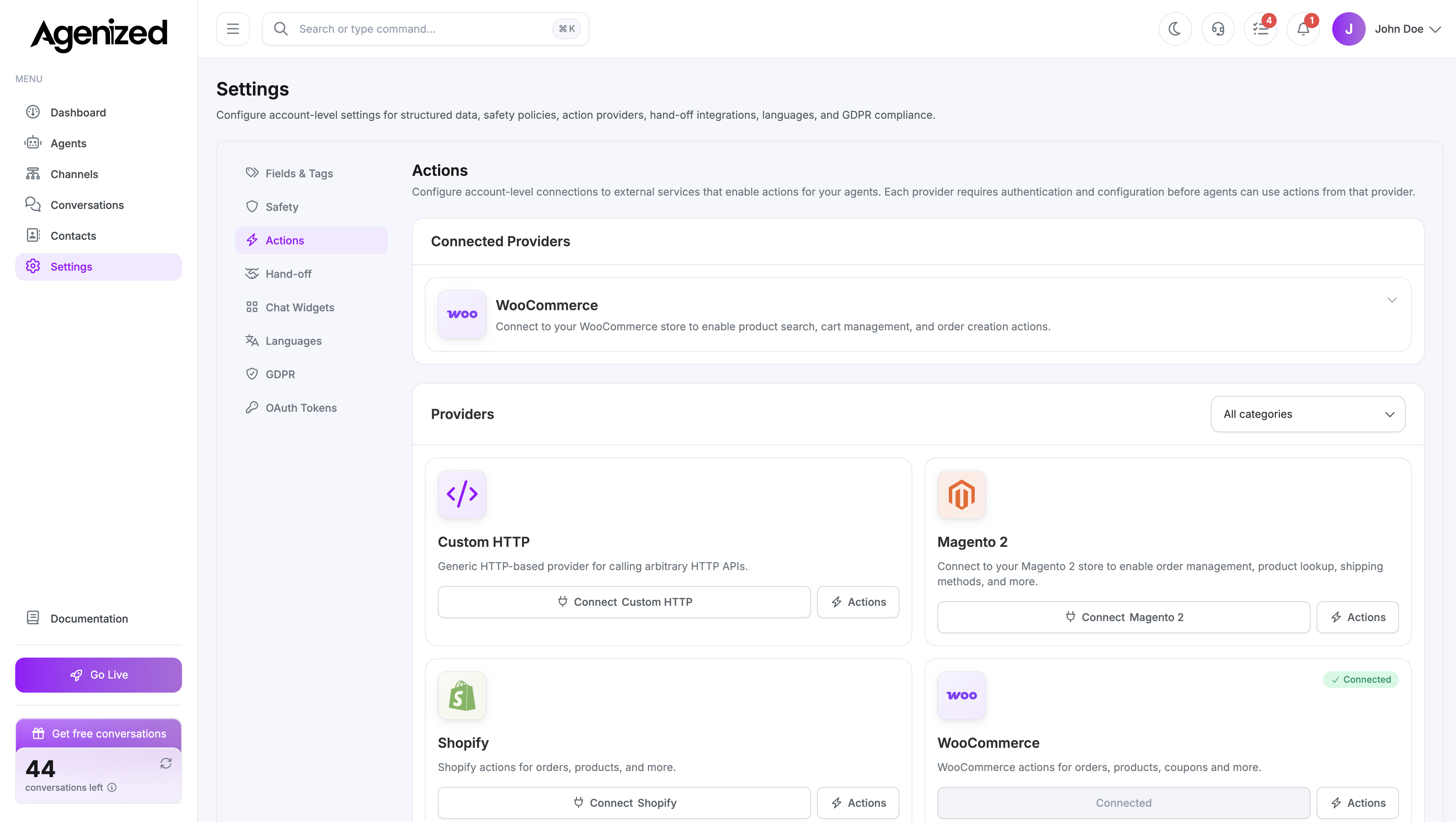
Open Settings → Actions.
What this tab is for
Actions at account level are connections to external systems with credentials, base URLs, and tests. Individual agents still choose which actions are enabled and how they behave under Agents → Actions; this screen is where shared connections live.
Providers
Use the pages below for setup steps and a list of built-in actions per provider. Custom HTTP actions are defined by you; there is no fixed action list.
| Provider | Topics |
|---|---|
| Shopify | Store API, orders, products, cart, refunds |
| WooCommerce | REST API, orders, bookings, products, cart |
| Magento 2 | Orders, products, coupons |
| Shipmondo | Shipments and tracking by order |
| Custom HTTP | Your own REST endpoints and auth |
| GLS | Parcel tracking link |
| DHL | Parcel tracking link |
| UPS | Parcel tracking link |
| FedEx | Parcel tracking link |
| PostNord | Parcel tracking link |
| DAO | Parcel tracking link |
| Bring | Parcel tracking link |
Provider connections
The UI lists available providers (for example e-commerce or integrations your plan includes). For each provider you can:
- Configure API keys, OAuth, shop/domain identifiers, or other auth types the form exposes.
- Test the connection when supported.
- Remove or rotate credentials according to your security process.
Exact fields depend on the provider.
Relationship to Agents → Actions
- Settings → Actions: shared connections and custom HTTP definitions.
- Agents → Actions: enable actions for that agent, map parameters, and use the Playground to verify.
If a connection fails, fix it here first, then re-test from the agent.
Store secrets only in the designated secret fields. Treat action endpoints as production systems. Validate payloads and auth on your side.