

Overview
Account-level Settings in Agenized for fields, safety, actions, hand-off, chat chat block templates, languages, GDPR, and OAuth tokens.
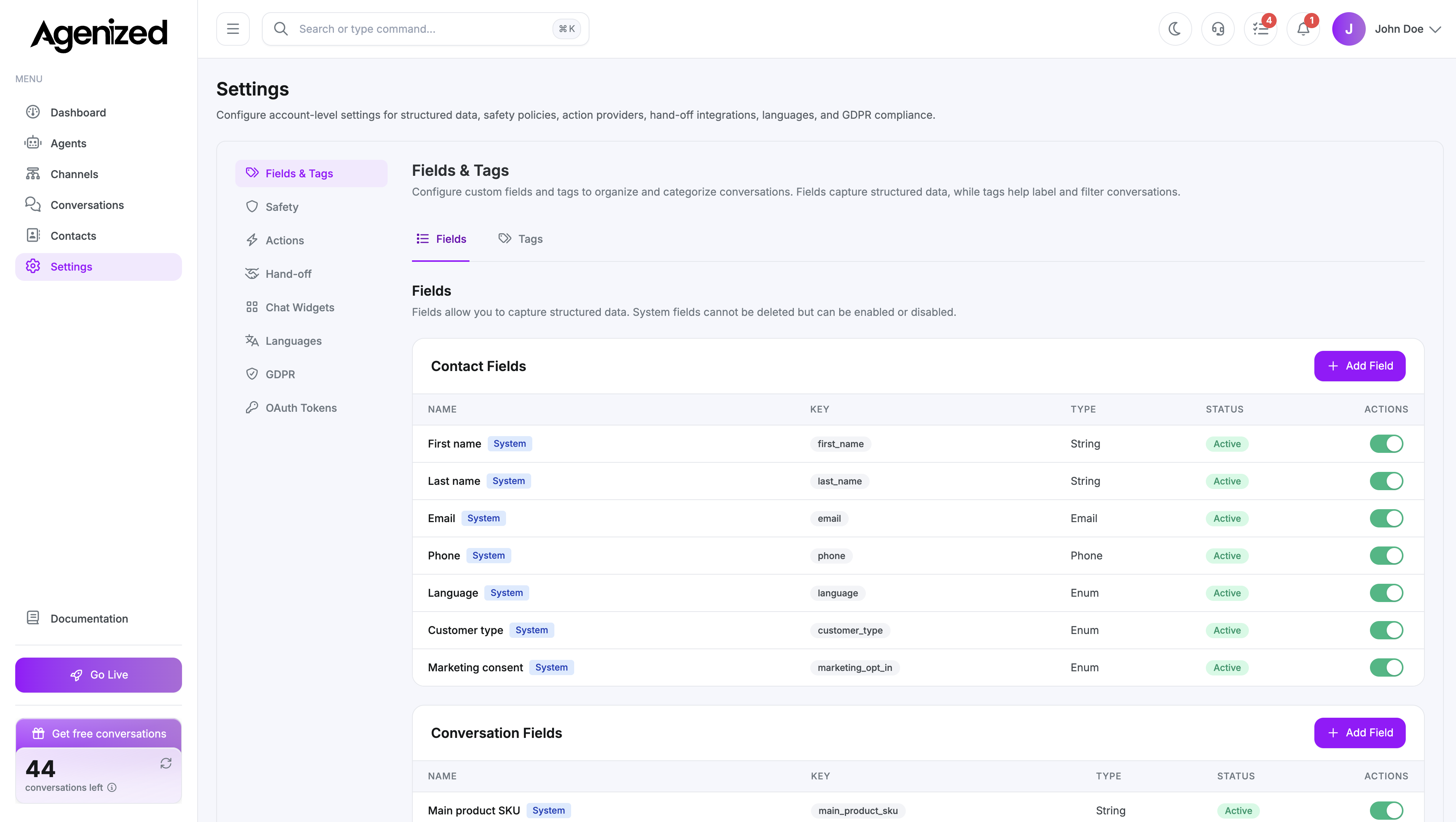
Where Settings live
Open Settings in the main sidebar. Everything here applies to the currently selected account (use the account switcher in the header if you manage more than one).
Settings (workspace defaults) are separate from Account Settings (billing, users, notifications under Account Settings).
Tabs
The left column lists these sections (the URL stores the active tab):
| Tab | What it controls |
|---|---|
| Fields & Tags | Account-wide field and tag definitions used by agents and conversations |
| Safety | Platform safety (read-only) plus your custom safety rules |
| Actions | Connections to action providers and custom HTTP actions for the whole account |
| Hand-off | Destinations (e.g. helpdesks, webhooks) when agents escalate |
| Chat Blocks | Reusable templates for in-chat block layouts; not the same as per-channel chat config |
| Languages | Default and additional languages for the account |
| GDPR | Widget privacy copy, opt-in, retention, and “remember customers” |
| OAuth Tokens | API OAuth clients authorized for your account |
How this relates to Agents
Many tabs mirror what you can override per agent (for example Agents → Safety inherits rules from Settings → Safety). Account Settings define the baseline; agent pages tune inheritance and overrides where the product allows it.
Next steps
Was this page helpful?