

Overview
Account Settings for company profile, team users, notification email preferences, and billing with plan, usage, and payment method.
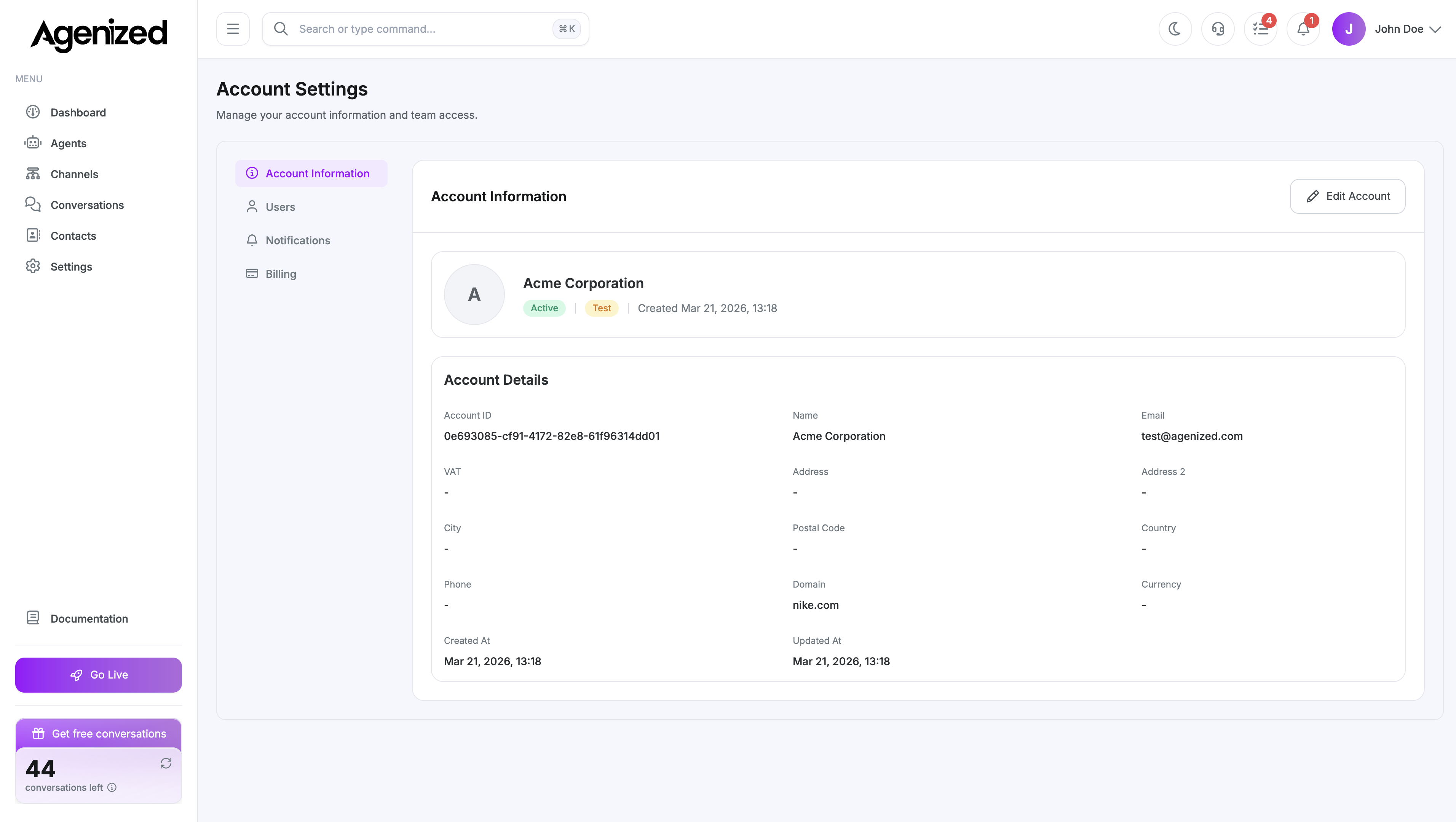
Where Account Settings live
Open Account Settings from the main sidebar. This area is about the organisation account (billing, users), not Settings (fields, safety, widget templates for the product workspace).
Tabs
| Tab | Purpose |
|---|---|
| Account Information | Legal name, address, VAT, domain, currency, metadata JSON |
| Users | Invite, edit roles, archive teammates |
| Notifications | Notification email and channel-connection alerts |
| Billing | Subscription, usage, invoices, payment method, plan changes |
The AI Provider tab exists in code but is hidden in the current merchant UI; documentation skips it until it returns.
Account switcher
You must have an active account selected in the header account switcher. If you belong to multiple organisations, pick the correct one before changing billing or users. Without a selection, the page shows an empty state asking you to select or refresh.
Was this page helpful?