

OAuth Tokens
List OAuth clients authorized to call the Agenized API on behalf of your account; revoke access when an app should stop working.
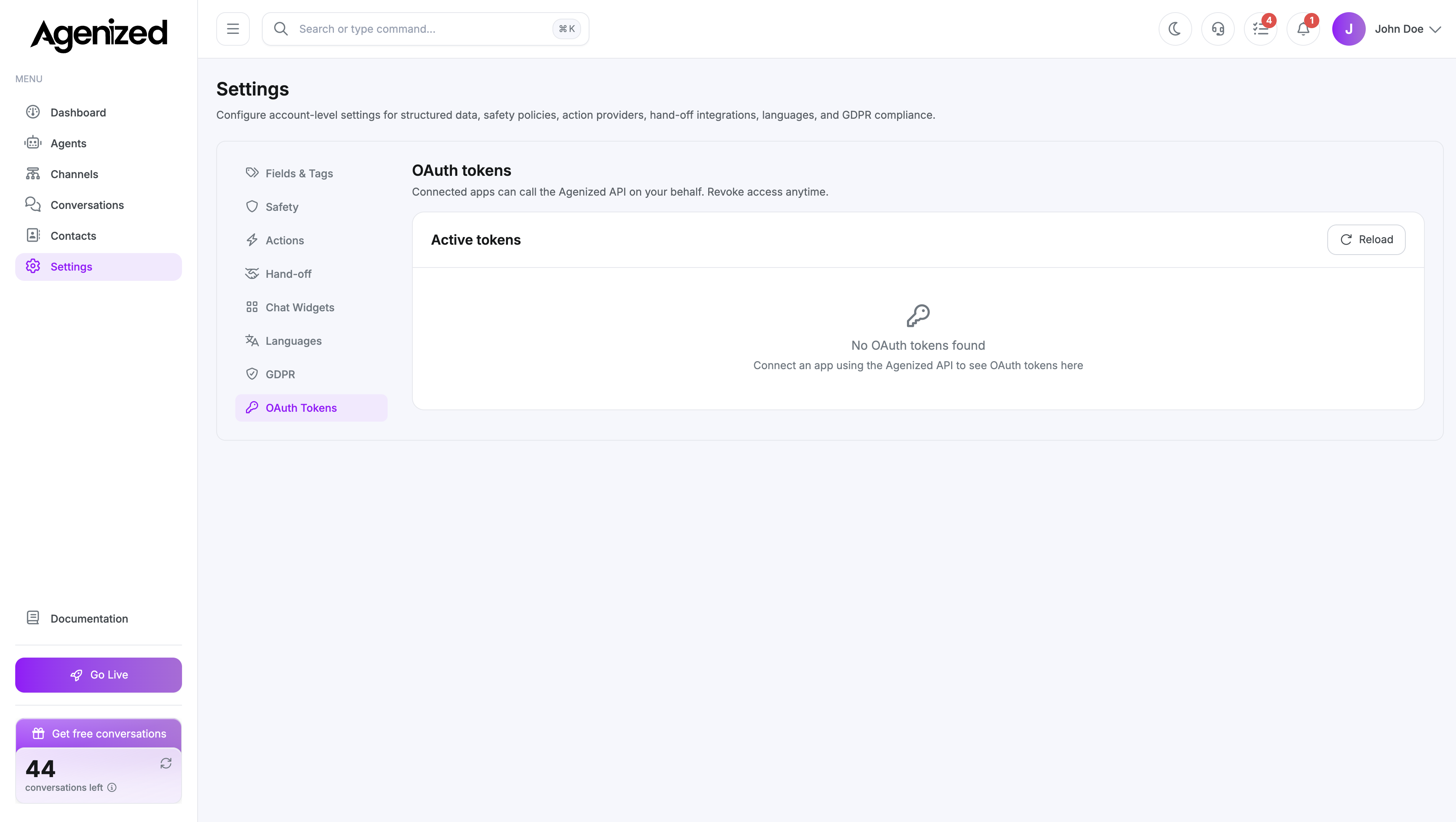
Open Settings → OAuth Tokens.
Active tokens
The table shows each app (name and client id), granted scopes, last used time, and status (Active or Revoked).
- Reload refreshes the list from the server.
- Revoke removes tokens for that
client_id. The app stops working until users complete OAuth again.
Revoke is immediate. Confirm with your integration owner before revoking production automations.
Empty state
If no rows appear, no OAuth clients have been authorized yet. Third-party apps connect through your product’s OAuth or developer onboarding flow; successful authorizations show up here.
Was this page helpful?