

Users
Team members for the account: list, invite with role, edit, resend invite, and archive access.
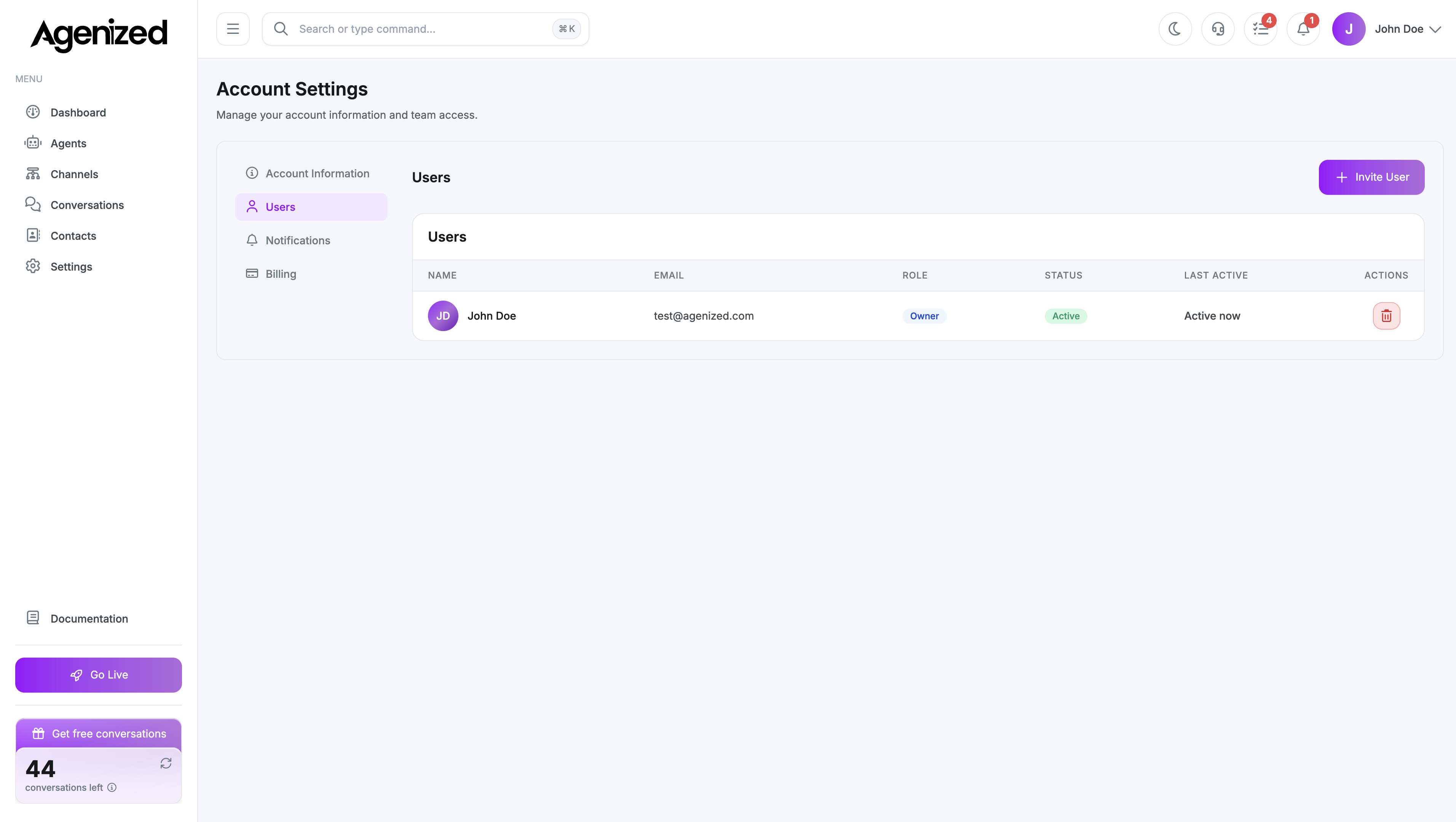
Open Account Settings → Users and select Users.
User table
See everyone with access: name, email, role, status (active, invited, etc.), and last activity where available. Actions typically include edit and archive (or equivalent) per row.
Invite
Invite opens a modal:
- Email (required), first name, last name
- Role: for example member vs admin-style roles the Select lists
Submit sends an invitation. Resend is available for pending invites when supported.
Edit
Edit lets you change name and role for an existing user. You cannot demote or change certain properties for your own account where the UI disables them.
Archive
Archive removes the user’s access after confirmation. This is distinct from merely signing out; they will need a new invite if they should return.
Role names and capabilities follow your deployment’s RBAC. When in doubt, start new teammates as lower-privilege roles and elevate after training.