

Corrections
Create targeted fixes for recurring agent mistakes with correction type, trigger text, revised content, and optional expiration.
Corrections let you patch specific agent mistakes without rewriting your whole knowledge base. Use them when you want a preferred answer or behavior to win for similar customer prompts.
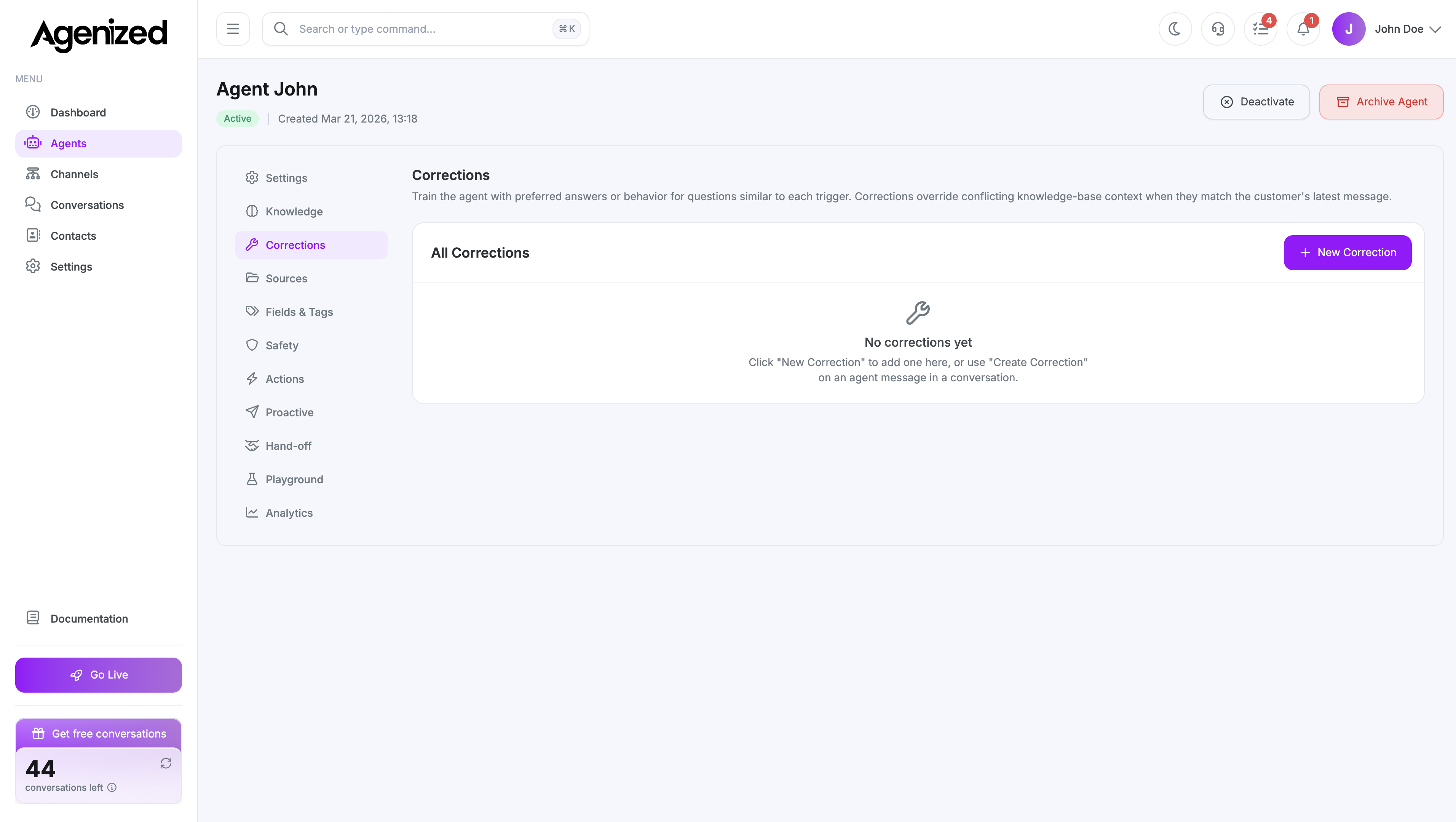
Open Corrections
Go to Agents, open an agent, then select Corrections in the left sidebar.
Create a correction
Click New Correction to open the modal.
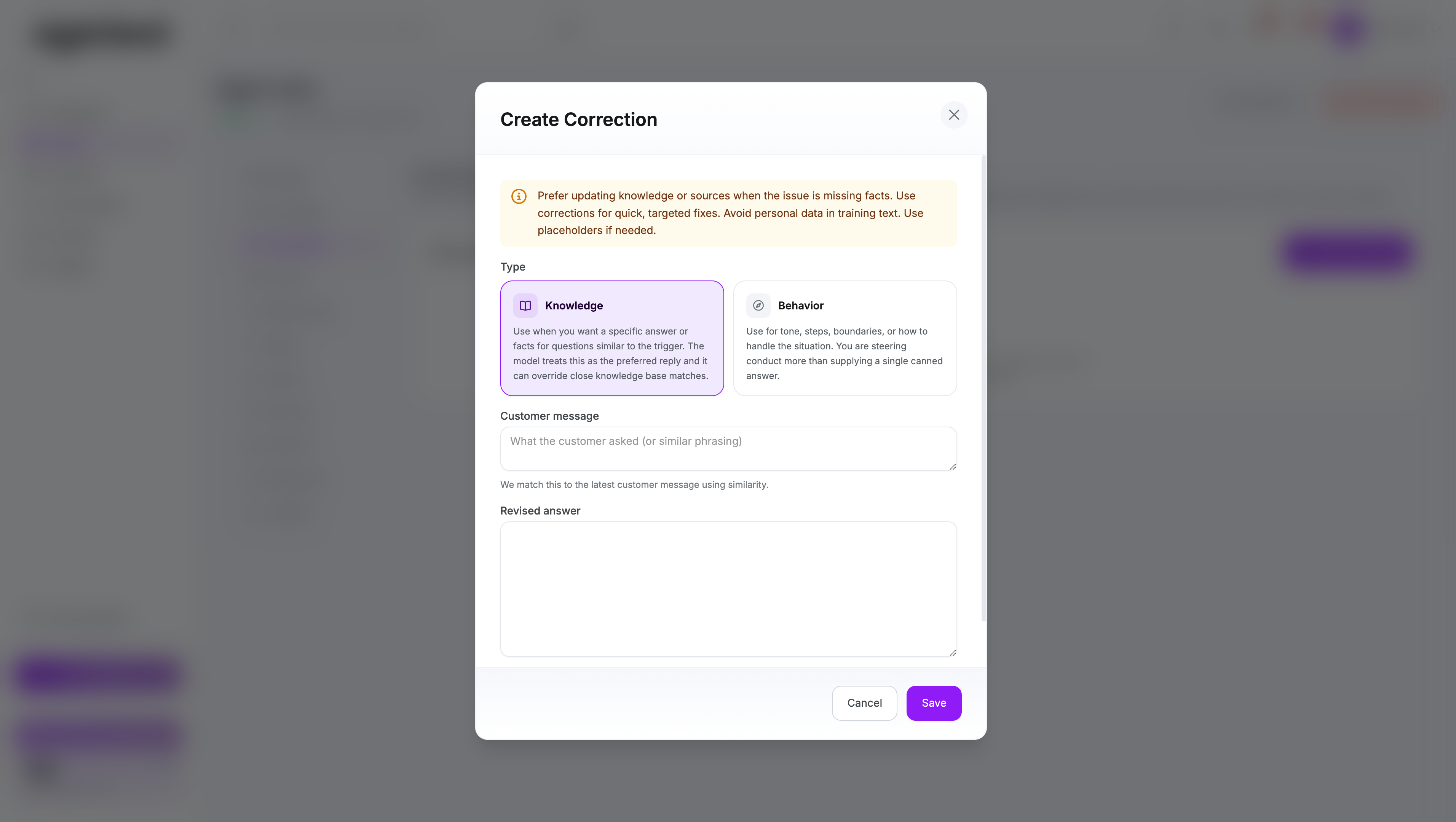
Correction types
| Type | Use it when |
|---|---|
| Knowledge | The answer content should be different for similar customer questions. |
| Behavior | The response style, steps, or boundaries should change. |
Fields
- Customer message: The trigger text used for similarity matching.
- Revised answer / instructions: The preferred output for matched cases.
- Enable expiration: Optional end date/time for temporary fixes.
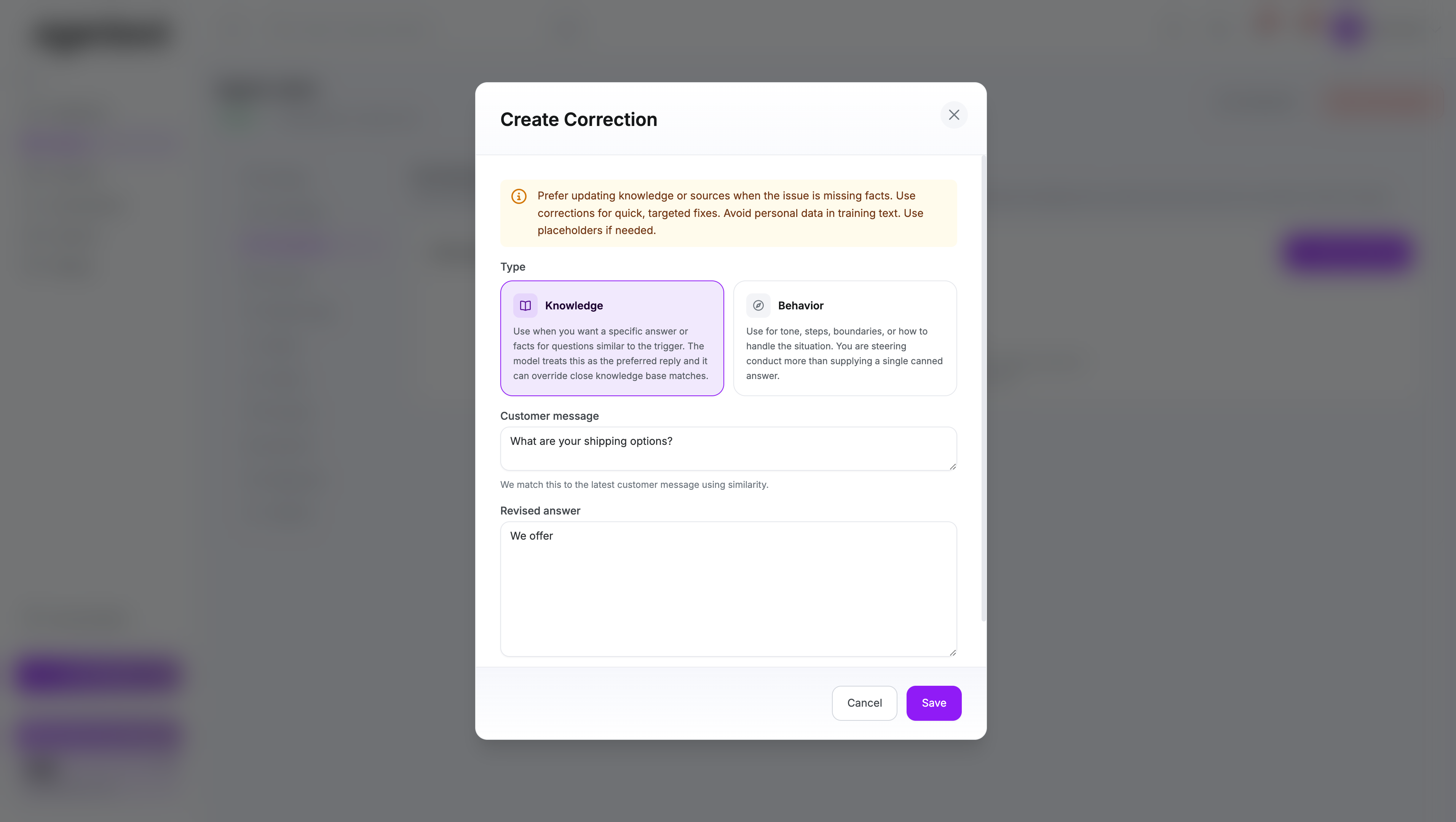
Edit and delete
Use the row actions in All Corrections:
- Edit to update trigger, type, text, or expiration.
- Delete to remove a correction permanently.
When to use Corrections vs Knowledge
Use Knowledge and Sources for durable product/company facts. Use Corrections for fast, targeted behavior or answer fixes when a specific conversation pattern is wrong.
Was this page helpful?