

Install
title: Chat Widget: Install description: >- Embed the widget with your public key and API base URL. Copy the snippet from the Install tab on the channel detail page.
Open Install
On your Chat Widget channel detail page, select Install.
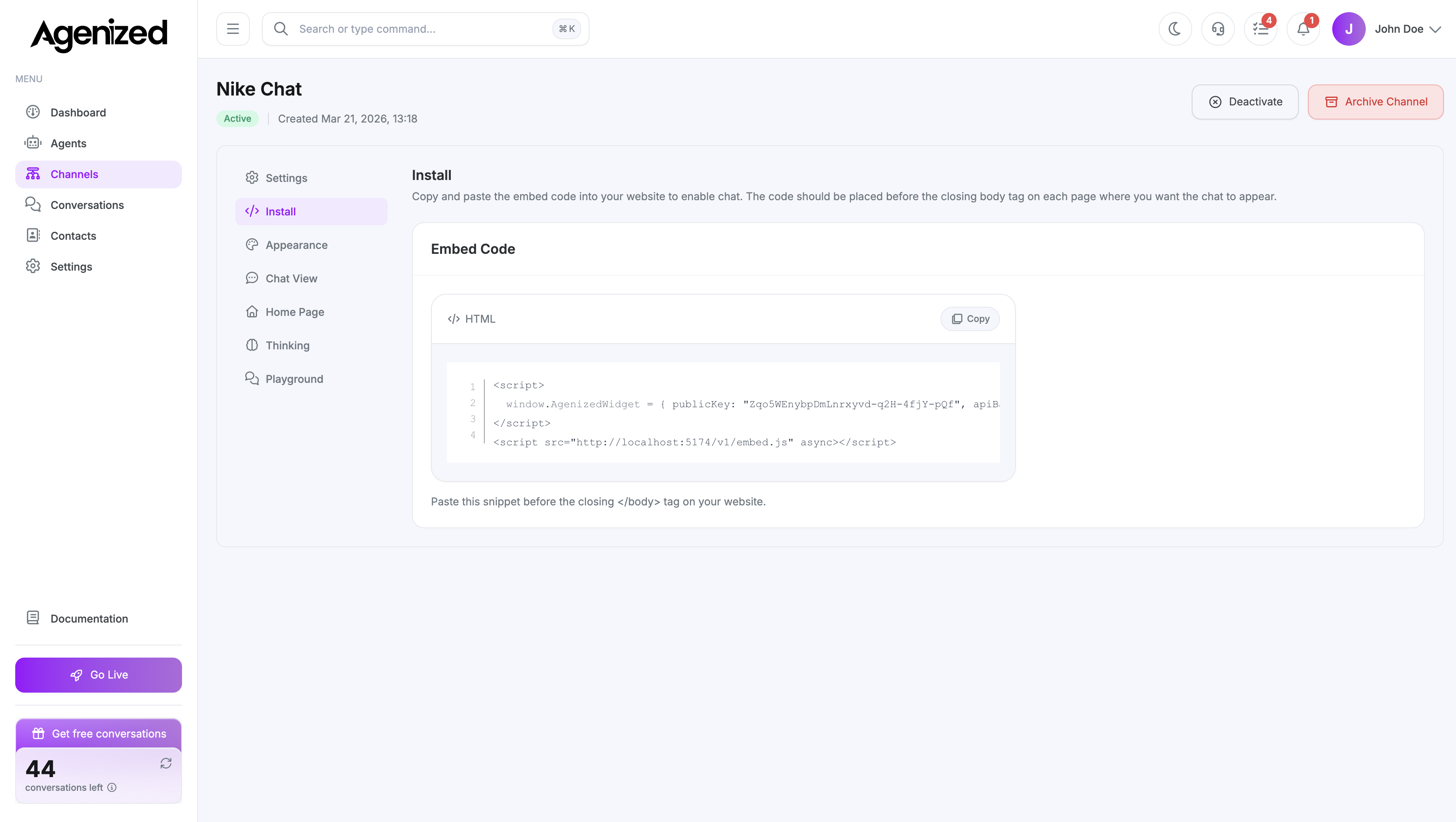
Embed snippet
The page shows a script block that sets window.AgenizedWidget with:
publicKey: Identifies this channel to the backend.apiBaseUrl: The API endpoint the embed should call (environment-specific).
A second tag loads embed.js from the widget host.
Paste both tags on every page where you want the launcher to appear, typically before </body>.
Treat the snippet like configuration, not a secret: the public key is visible in the browser. Restrictions are enforced server-side.
Verify
After deployment, open your site, trigger the widget, and send a test message. Use Playground on the same channel if you need to test without touching the live site.
Was this page helpful?